Create your account
Choose Create account and register with your email address and account details.
Create a ResortHub account ResortHub
Create a regular ResortHub account first. From your client page, you can then start a resort application.
Choose Create account and register with your email address and account details.
Create a ResortHub accountAfter creating your account, sign in. You’ll arrive in the client area.
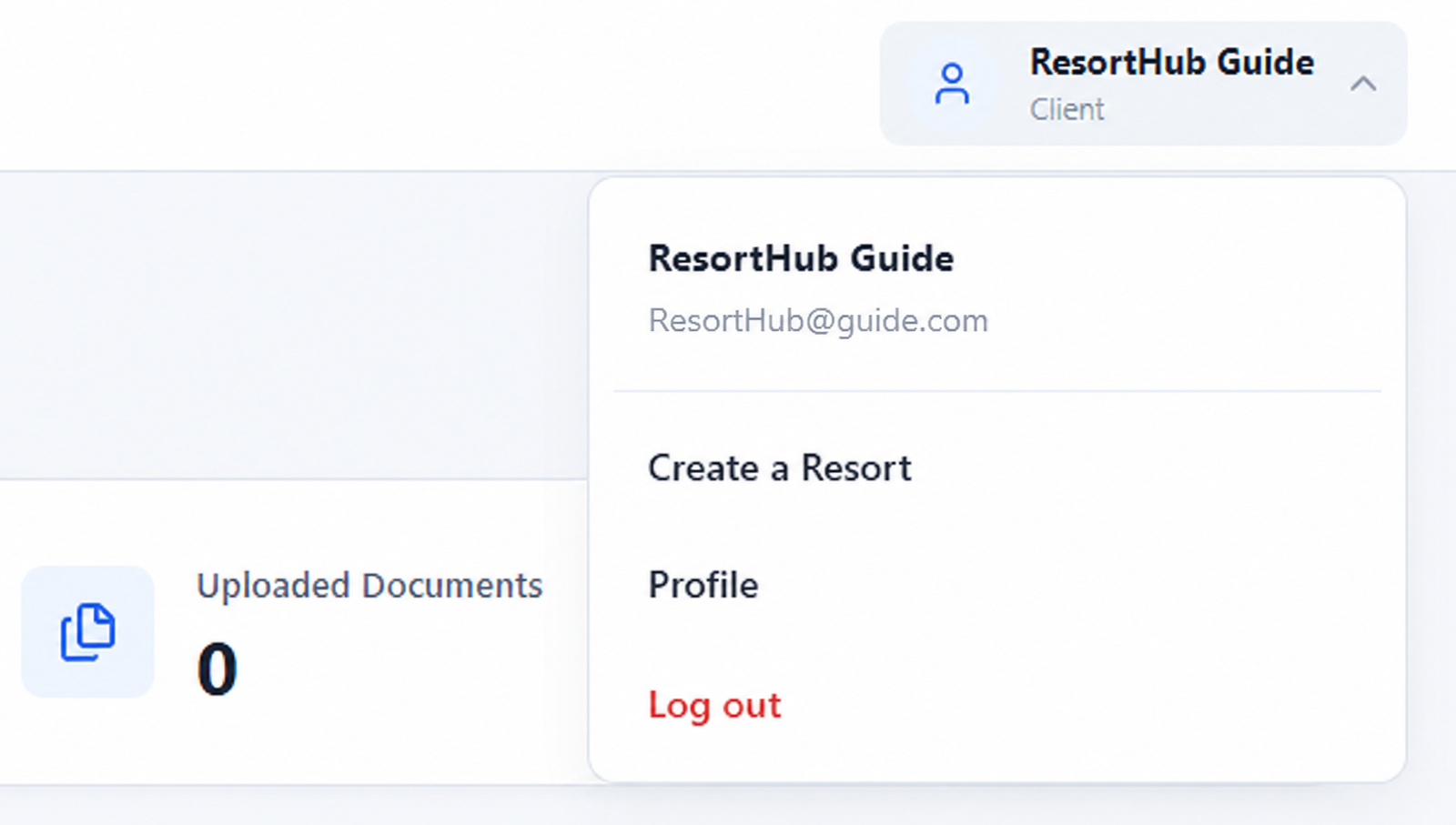
Go to loginOpen your profile menu at the top-right of the client page, then select Create a Resort.
Enter your resort and business details, upload the requested business license, and submit the application for review. You can manage your resort after it is approved.